Reusable Pads
configure your paperwork once.
Create an invoice before you leave a job
Create professional invoices on your phone with PadKit. Built for tradespeople, contractors and small businesses. Create, sign, save and share PDFs in seconds.
Built for how you work
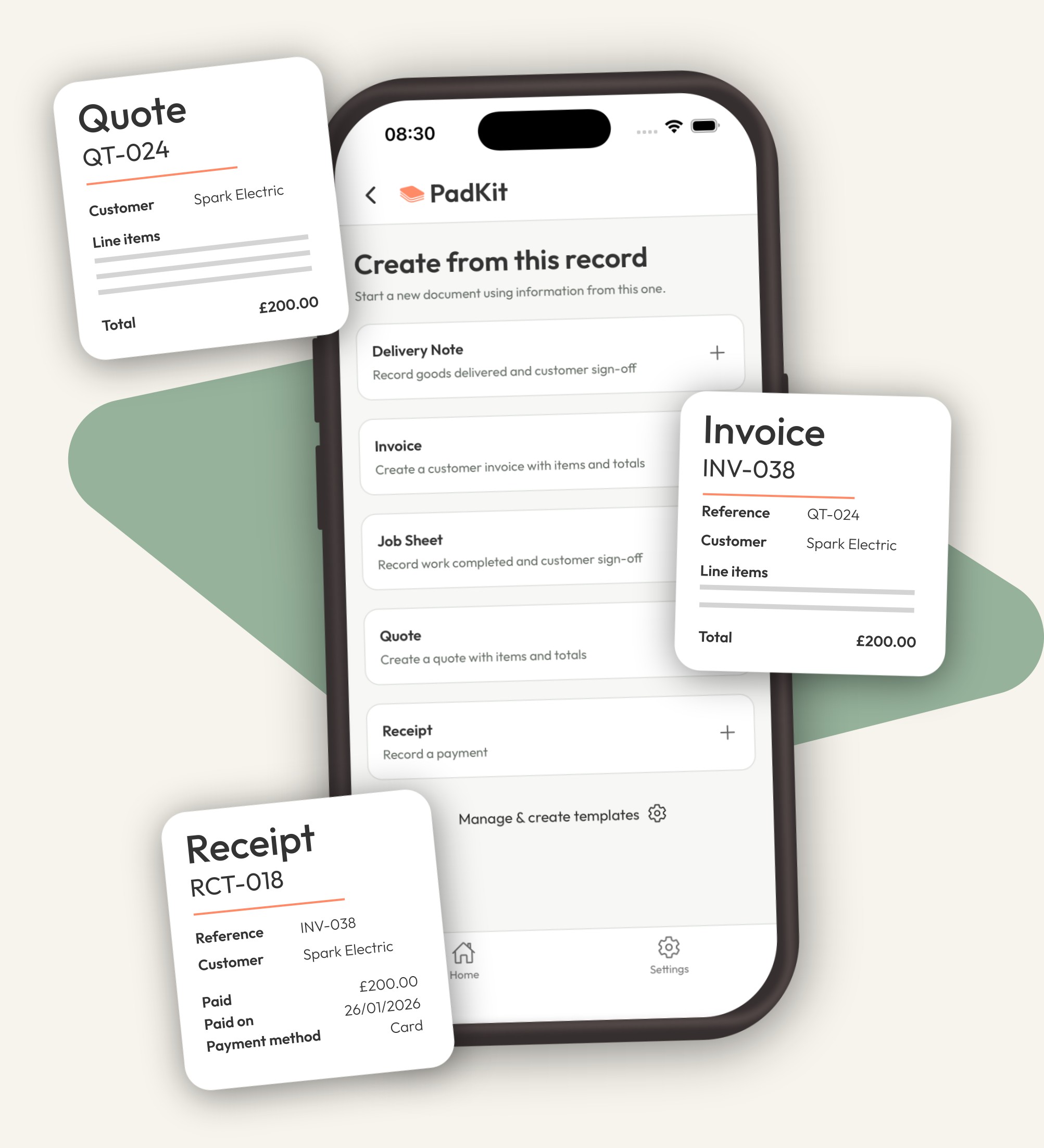
Create any document from another, carrying across the relevant details. You choose what comes next.
Choose a ready-made Pad or build your own with the fields your business needs. Set it up once. Use it again and again.
Capture a customer signature and share a professional PDF, straight from your phone.
See it in action
No complicated accounting software.
Just the paperwork you need.
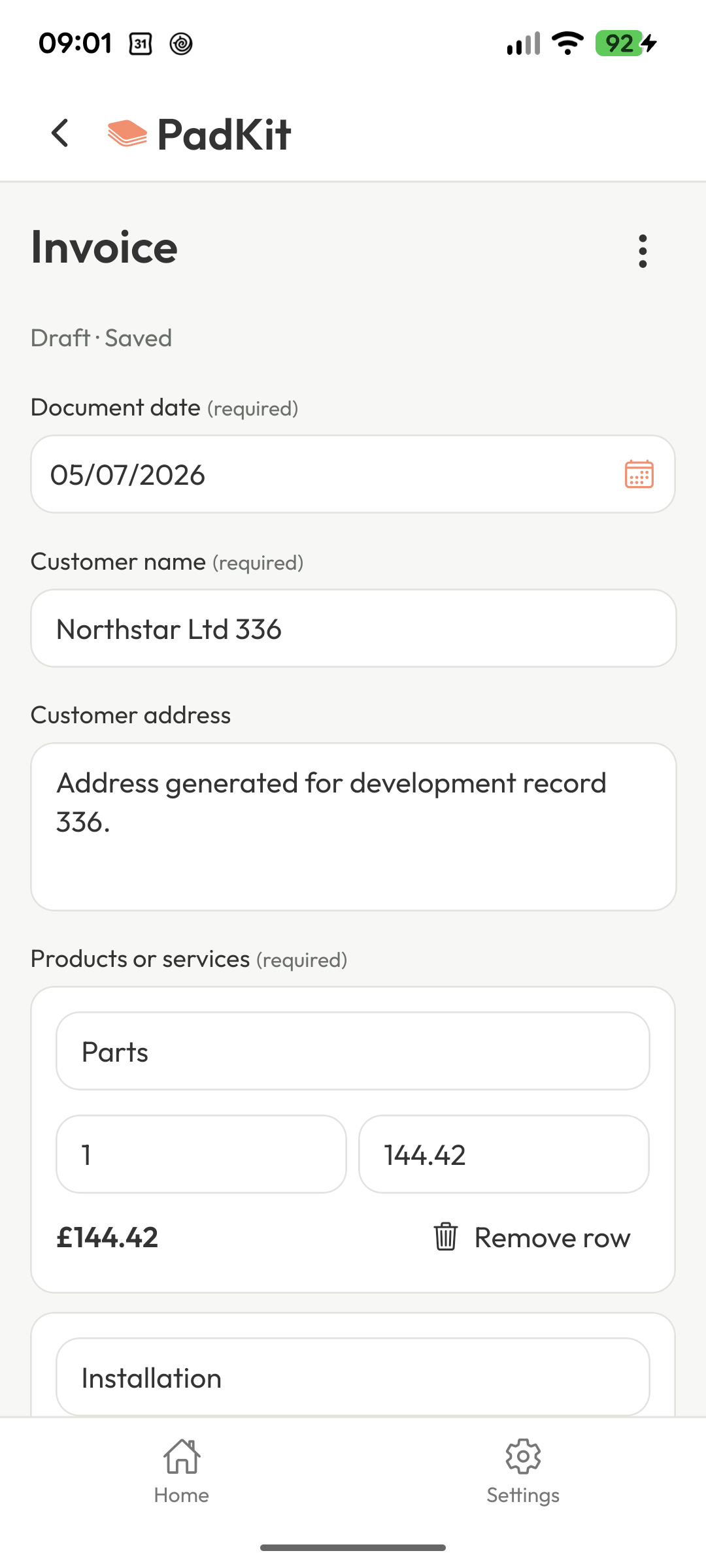
Start with PadKit's ready-made invoice template or customise your own.
Add the customer, work completed, materials, quantities and prices. PadKit remembers frequently used information to make the next invoice quicker.
Generate a professional invoice and share it by email, WhatsApp or any other app on your phone. Or download for your records.
Just what you need
PadKit is designed for sole traders, tradespeople, contractors and small businesses that need a quick way to create professional paperwork while they're working.
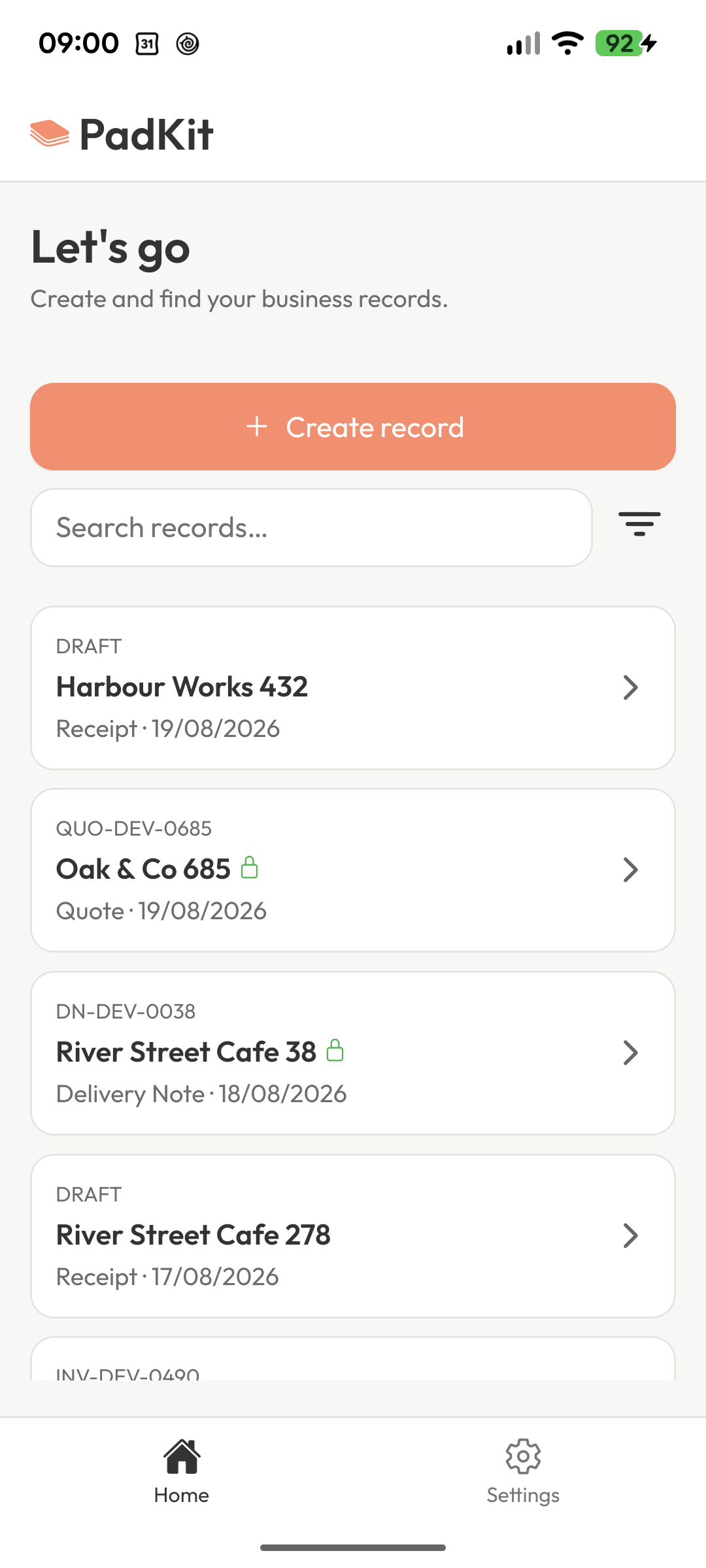
Use it for invoices, quotes, receipts, job sheets, delivery notes and more...
configure your paperwork once.
avoid entering the same details twice.
quickly reuse common jobs, materials and prices.
capture a customer's signature when needed.
paperwork ready to share or download.
create other documents and create your own.
Delivery note > Invoice > Receipt
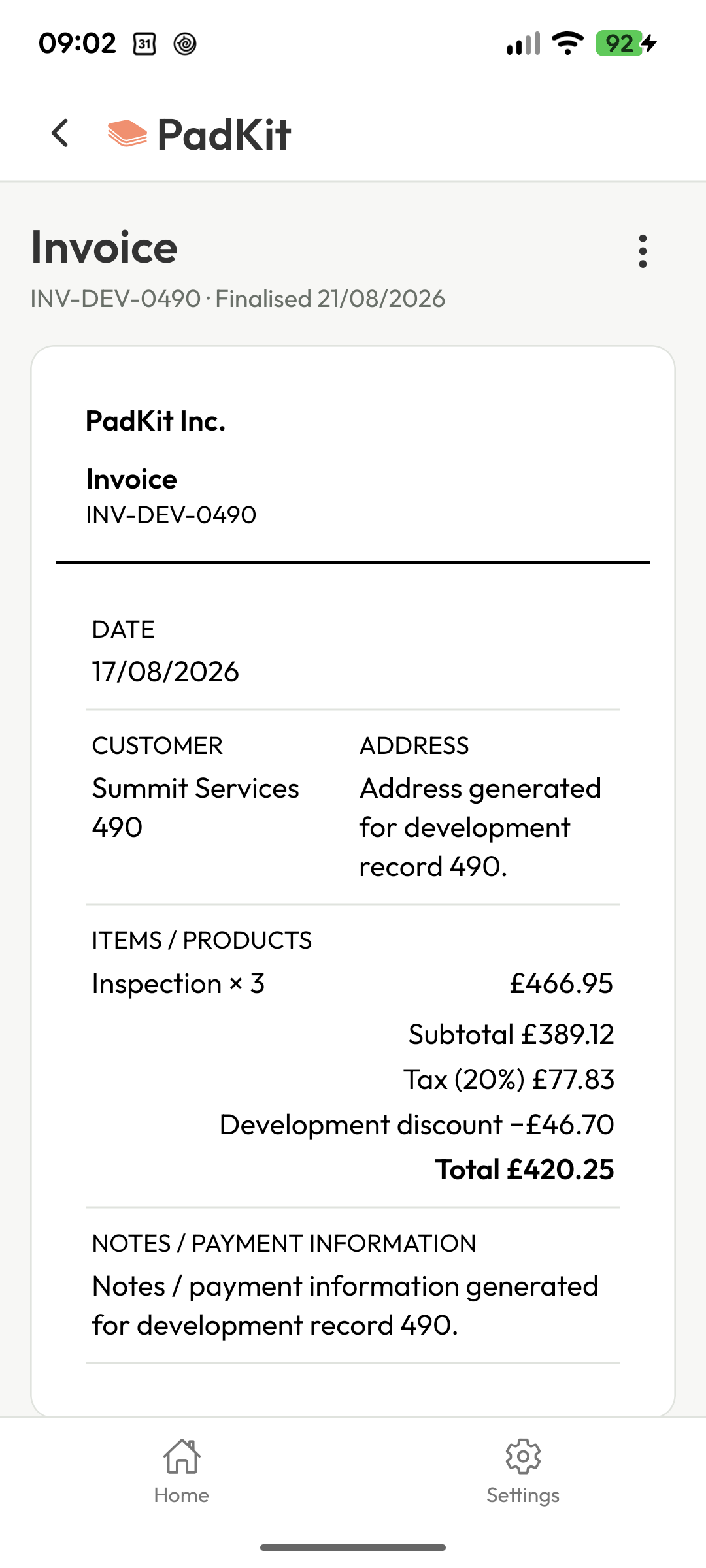
Save time and reduce errors by converting between different types of documents. PadKit can convert any finalised document in to another, copying known information where it can. For example, converting a delivery note to an invoice. All you need to populate is price (unless you've already set a price on that item before). PadKit is smart by default, no need for complex inventory or customer management. It just knows.
Built around your work
Whether you're an electrician, plumber, builder, decorator, gardener, joiner or independent contractor, PadKit lets you adapt your documents to the way you work.
Frequently asked questions
Yes. PadKit also supports quotes, receipts, job sheets, delivery notes and other documents you create yourself.
Yes. You can configure reusable Pads with the fields, line items and details that suit the way you work.
Yes. Add your business information and logo so every PDF you create looks consistent and professional.
Yes. Line items can have VAT / tax calculations enabled or disabled and include or exclude VAT on the line item. You can also add discounts. If you need to include your VAT registration information, that can be added in the shared footer of the invoice template. This will show on all invoices unless you override on a specific invoice.
Yes. Each template has a shared footer option (with per document overrides). Here you can add any details you need such as bank account details or payment instructions. This will show on all invoices unless you override on a specific invoice.
Create the PDF on your phone, then share it by email, WhatsApp or any other sharing app, or download it for your records.
PadKit is free to download and try. Once you’ve created 10 documents you can subscribe to get unlimited access. Either £3.99 / month or £39.99 / year. You can cancel at any time. All features are available whether you pay or not, and all data remains accessible and yours regardless of whether a subscription is active or not.
Need help with the details? Read how to write a UK invoice, then make one in your browser.
If you issue VAT invoices, check HMRC’s invoice guidance and seek your own qualified advice where needed. PadKit provides document tools; it does not check whether your invoice complies with the rules that apply to you.
Built for real work
Whether you're a plumber, electrician, builder or run any kind of small business, PadKit helps you stay organised and get on with the job.
No complicated setup
Get started in minutes.
Works offline
Use it on site, anywhere.
Designed for real-world use
Built for how you actually work.
Your data, your device
Keep control of your records.
Ready when you are
Open PadKit, make your first invoice and keep the job moving. Your next document is only a few taps away.
Be the first to know when the Android app launches.